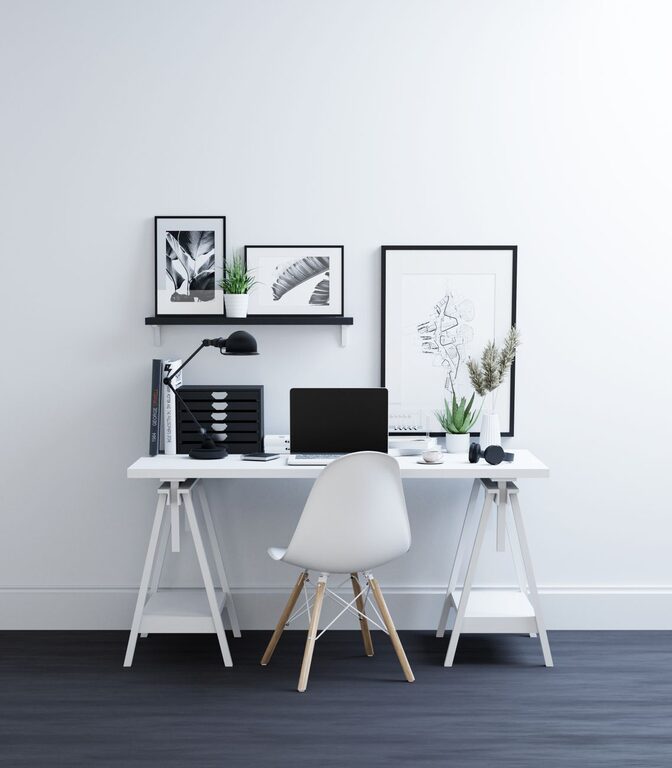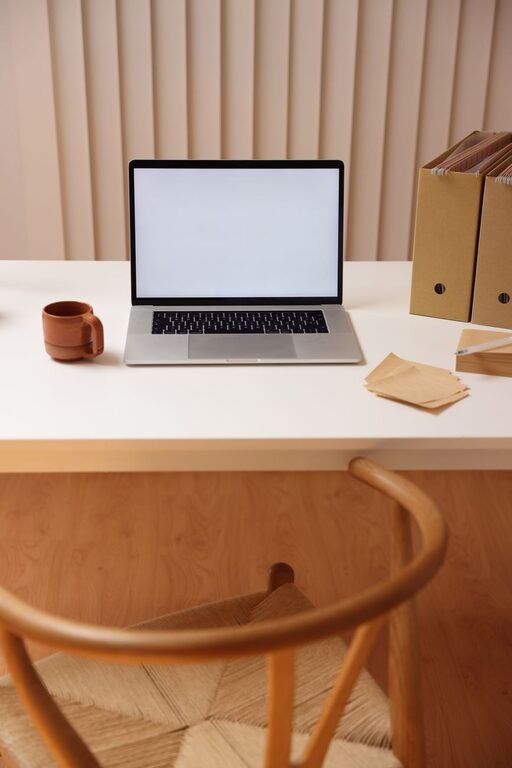

Having a fresh and organized workspace can make a significant difference in how you feel and work throughout the day. Even if you have a busy schedule, taking just ten minutes to refresh your workspace can help clear your mind, improve focus, and create a more inviting environment. In this post, we’ll share practical steps to revitalize your desk quickly and easily.
Why Refresh Your Workspace?
Our work environment directly impacts our productivity and mindset. A cluttered or dull workspace can cause distractions and stress, while a tidy and inspiring area promotes motivation. Refreshing your workspace regularly resets your environment, making it feel new and encouraging better work habits.
What You Need to Get Started
Before you begin, gather a few basic items that will make the process efficient:
– A small trash bag or bin
– Cleaning wipes or a microfiber cloth
– A small organizer or tray (optional)
– A notepad or sticky notes for quick reminders
With these items ready, you can complete the refresh without interruptions.
Step 1: Clear the Surface (2 minutes)
Start by removing any unnecessary clutter from your workspace. Quickly pick up stray papers, empty cups, snack wrappers, and other items that don’t belong. Sort papers into piles to file or recycle later.
Keeping only essential items on your desk helps you focus better and reduces visual stress.
Step 2: Clean Your Space (2 minutes)
Dust and wipe down your desk surface, keyboard, mouse, and monitor screen. Use a microfiber cloth or cleaning wipes to remove dust and grime. This quick clean improves hygiene and gives your workspace a fresh look.
Don’t forget to clean other frequently touched items like your phone, pens, or desk lamp.
Step 3: Organize Essentials (3 minutes)
Put away items that aren’t needed for your current tasks. Gather pens, notepads, chargers, and office supplies in a drawer or organizer.
If you want, set up an easy-access tray for frequently used items to keep things neat but within reach.
Step 4: Add a Personal Touch (2 minutes)
Personalizing your workspace can boost your mood and creativity. Add a small plant, a photo, or a motivational quote that inspires you. Even a scented candle or diffuser can make your area more pleasant (just be mindful of your workplace policies).
Avoid overcrowding; just one or two meaningful items can make a difference.
Step 5: Plan Your Next Tasks (1 minute)
Before you finish, take a moment to jot down your top priorities for the day or week. Use a sticky note or a planner to write down key tasks to keep your focus sharp.
This small step ties the refreshed space to a clear purpose and direction.
Bonus Tips for Maintaining Your Workspace
– Regular Quick Cleanups: Spend five minutes at the end of each day tidying up to keep clutter from building up.
– Digital Declutter: Organize your computer desktop and emails to complement your physical workspace refresh.
– Ergonomic Check: Ensure your chair, monitor, and keyboard are positioned for comfort to avoid strain.
– Lighting Matters: Use natural light where possible, or add a desk lamp to reduce eye strain.
Conclusion
Refreshing your workspace in just ten minutes is an easy habit that can have a big impact on your productivity and well-being. By clearing clutter, cleaning surfaces, organizing essentials, adding personal touches, and planning your tasks, you create an inviting and efficient environment.
Try this quick refresh routine regularly to maintain a workspace that supports your best work every day.
About the Author